An Automotive Photo Editing Workflow for Busy Photographers
Spend less time masking cars and more time shooting. A practical editing workflow for automotive photographers, with AI handling backgrounds, plates and consistency.
PixelRide · Nov 19, 2026 · 4 min read
Shooting a car takes minutes. Editing the set can take far longer. Cutting the car out by hand, cleaning up the background, covering the plate and making every photo match the dealer's look is careful, repetitive work, and it is the part of the job clients rarely see or value.
If you photograph vehicles for dealerships, marketplaces or private clients, the fastest way to take on more work is to stop doing the repetitive part by hand. This is a workflow that keeps you in control of quality while software does the masking.
Where the editing time goes
For most automotive photographers, the hours are not in creative grading. They are in:
- Masking the car: tracing around wheels, mirrors, antennas and the gaps between them.
- Replacing or cleaning the background: removing other cars, people, signs and wet tarmac.
- Matching a whole set: keeping the car the same size and position across 20 or more angles.
- Branding: adding the dealer's logo or banner in the same place every time.
- Plates: blurring or covering registrations for privacy.
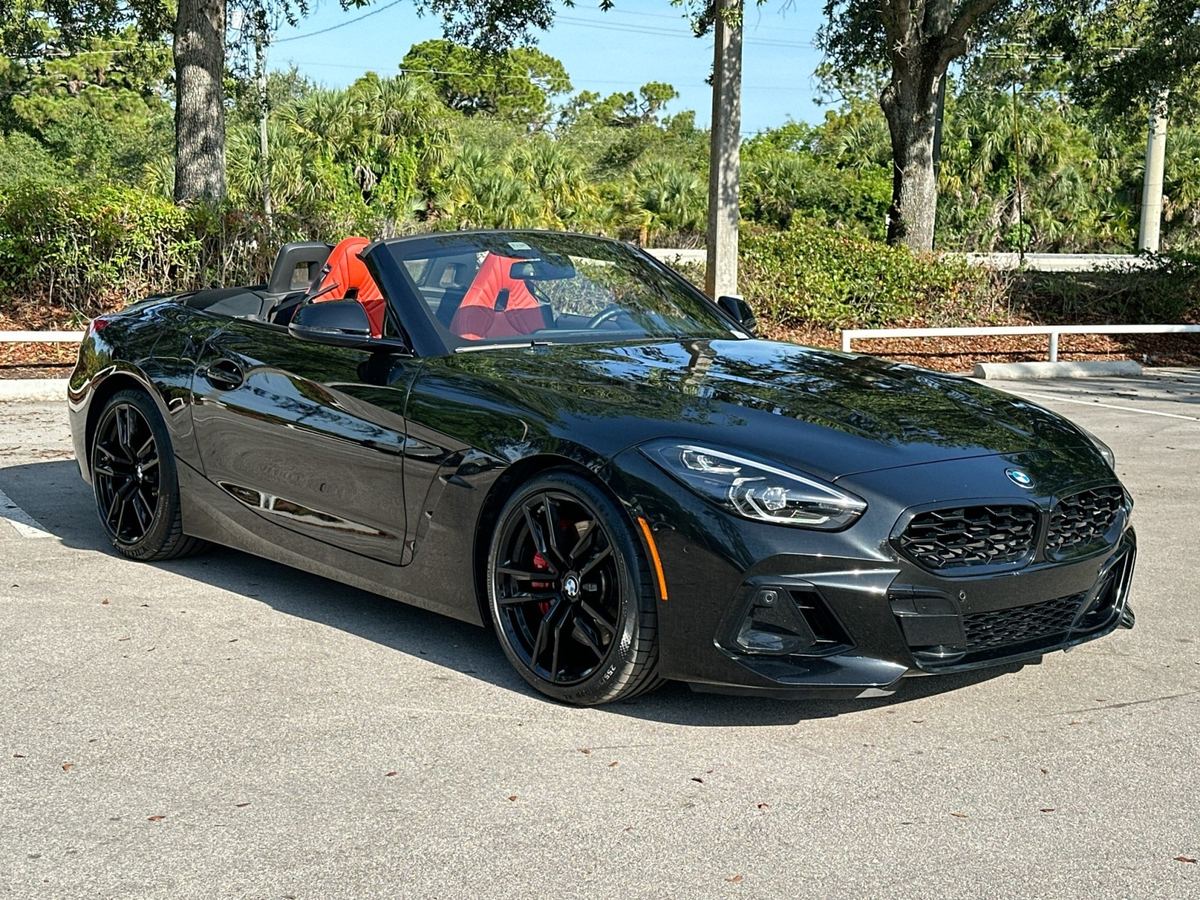
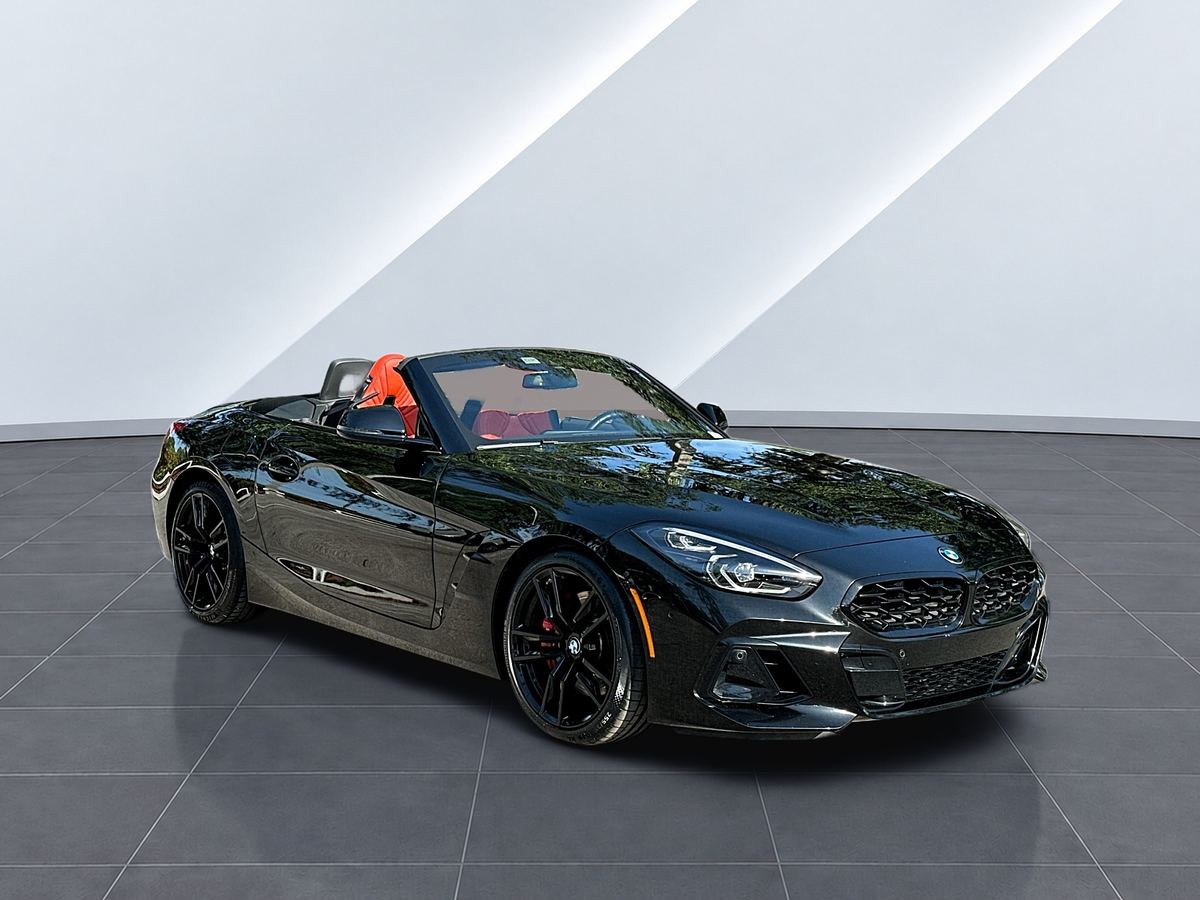
A typical lot photo like this one needs every one of those steps. The cover image at the top of this post is the same Z4 after PixelRide processed it.
All five follow the same rules for every car. That makes them ideal work for AI.
A faster workflow, step by step
1. Shoot for the edit
A consistent shoot gives a consistent edit. Use the same shot list and order for every car, keep the camera at about headlight height for exterior angles and leave space around the car so nothing is cropped. Shoot in soft, even light where you can, because no software fully fixes harsh reflections. Our guide on how to take photos to sell a car has a full shot list you can share with clients.
2. Cull before you edit
Pick the sharpest frame of each angle and delete the rest. Every rejected frame you remove now is one less image to process and check.
3. Upload the whole set
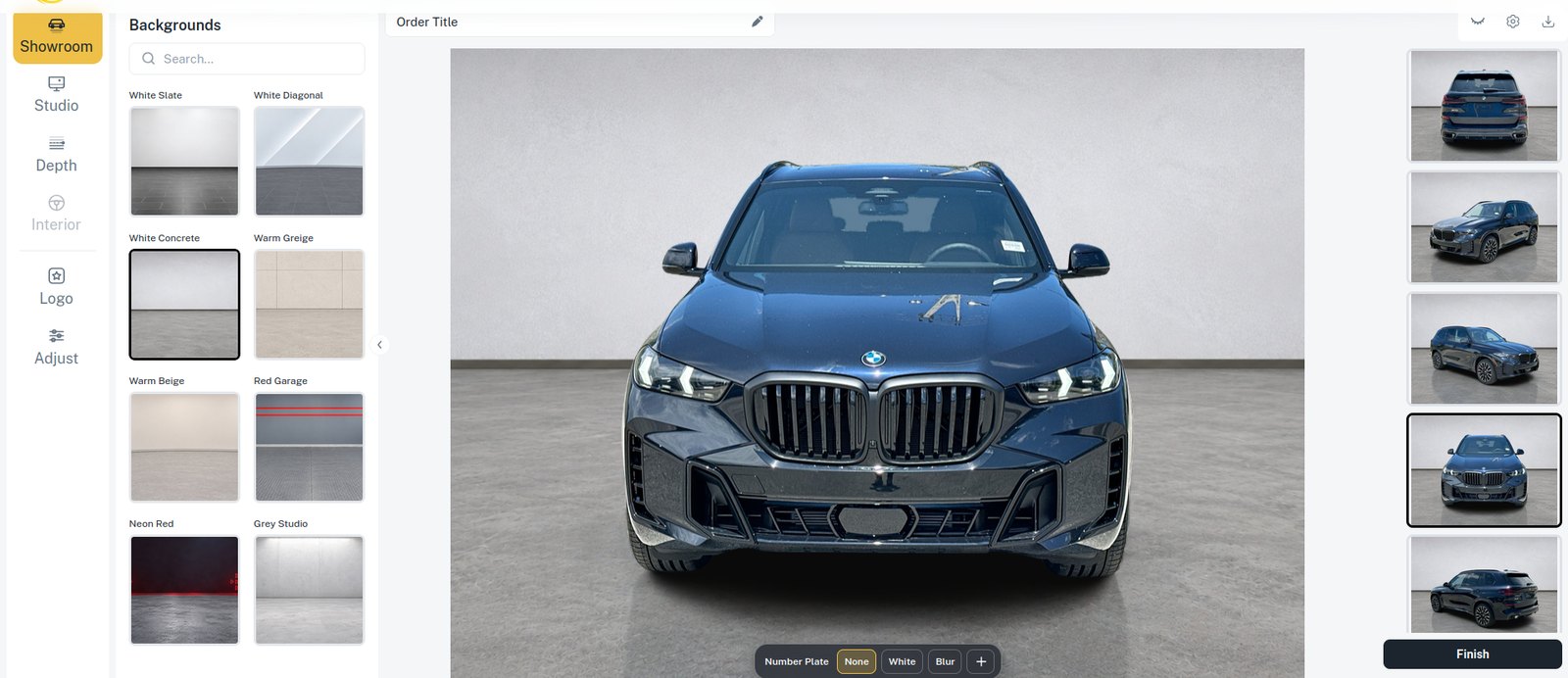
Open the PixelRide web editor and upload every photo of the car at once: exterior, interior and details. Working on the whole set together is what makes the next steps fast.
4. Choose the look once, then apply it to all
Pick a background, such as a showroom, studio or outdoor scene, and apply it to every photo in one step. PixelRide removes the original background, places the car on the new scene with a natural floor and shadow, and scales and centres it the same way in every image, so the set lines up in a listing grid.
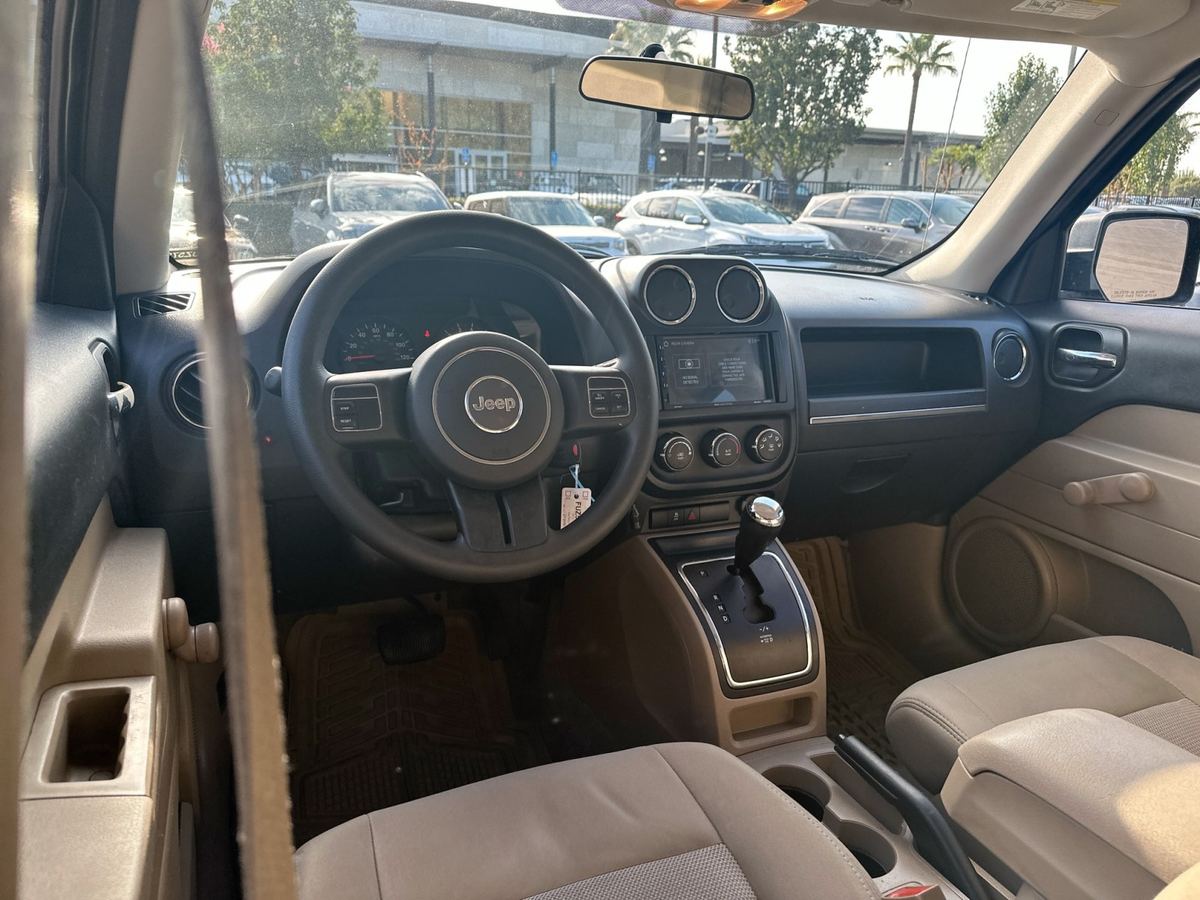
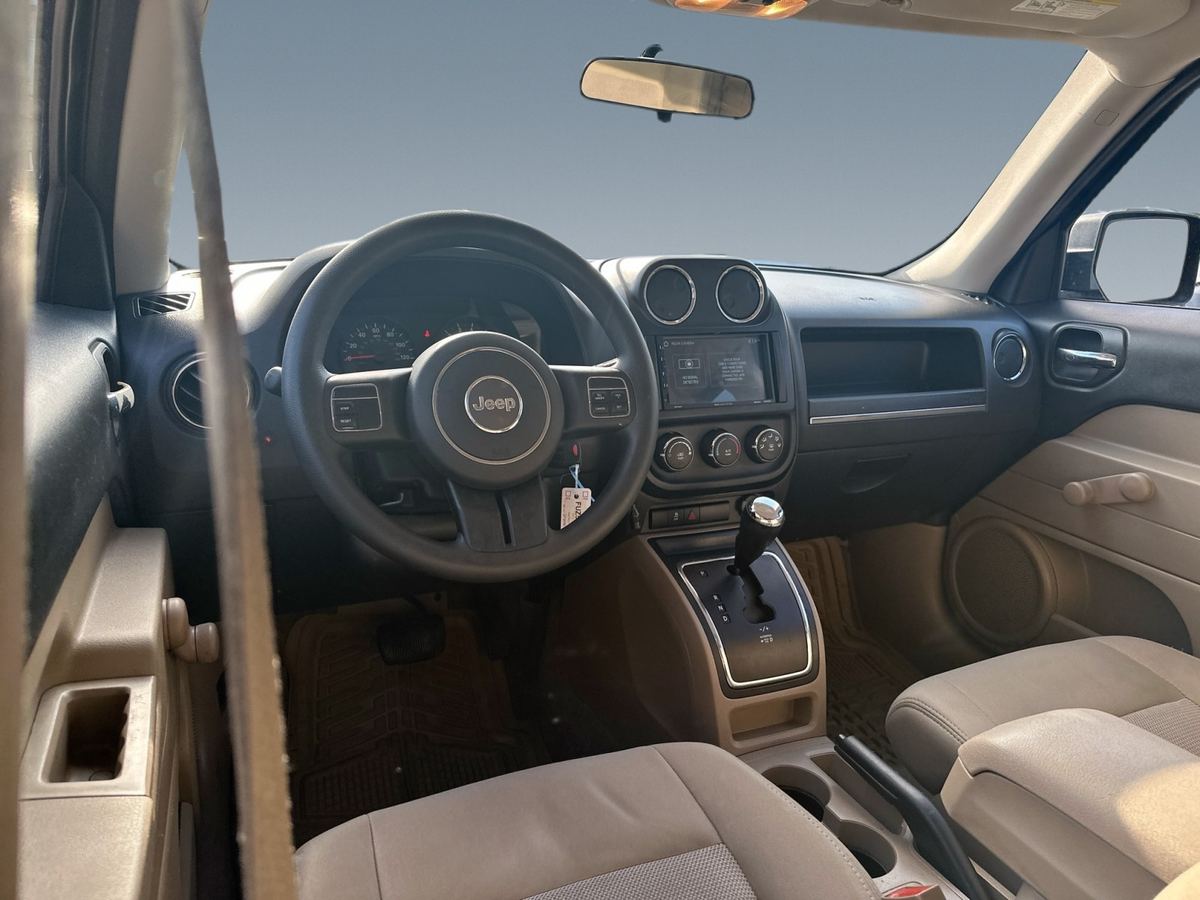
Interior photos get the same treatment: the view through the windows is replaced, so a busy car park does not show behind the seats.
5. Add branding and cover the plates
Upload the dealer's logo once and it appears in the same place on every photo. For plates, choose a blur, a plain plate or the dealer's own logo plate. This is usually the most tedious part to do by hand, and here it is a single setting.
6. Review and fine-tune
Go through the results in the browser. If one photo needs a change, adjust that image on its own without redoing the rest. This is where your eye still matters: check wheels, mirrors and glass edges, and pick the strongest image for the first listing slot.
7. Export and deliver
Download the finished set and deliver it to your client. If they need a particular size, shape or file limit for a marketplace, our free tools can resize, change the aspect ratio or compress a whole batch in the browser.
Save each client's look
Most dealership clients want the same look on every car. Keep a note of each client's background, logo position and plate style, and use the same choices every time. Consistent results across months of stock are something clients notice, and it is much easier to deliver when the settings are applied by software rather than repeated by hand.
What to keep doing yourself
AI is best at repetitive, rule-based edits. Keep your own time for the work that sets you apart:
- Lighting and composition on the day of the shoot
- Hero and lifestyle photos where the background is part of the story
- Final selection and a quick quality check before delivery
- Client relationships and turnaround promises
Try it on your next car
New PixelRide accounts get 25 free images, enough to run one full car through the workflow and compare it with your current edit. After that you pay per image, with no subscription. Start with your next shoot and see how much editing time you get back.