Best Aspect Ratio for Car Photos: 4:3, 16:9, 1:1 and When to Use Them
Compare the best aspect ratios for car photos, learn when to crop or pad, and keep the whole vehicle visible on listings, websites and social media.
PixelRide · Nov 18, 2026 · 3 min read
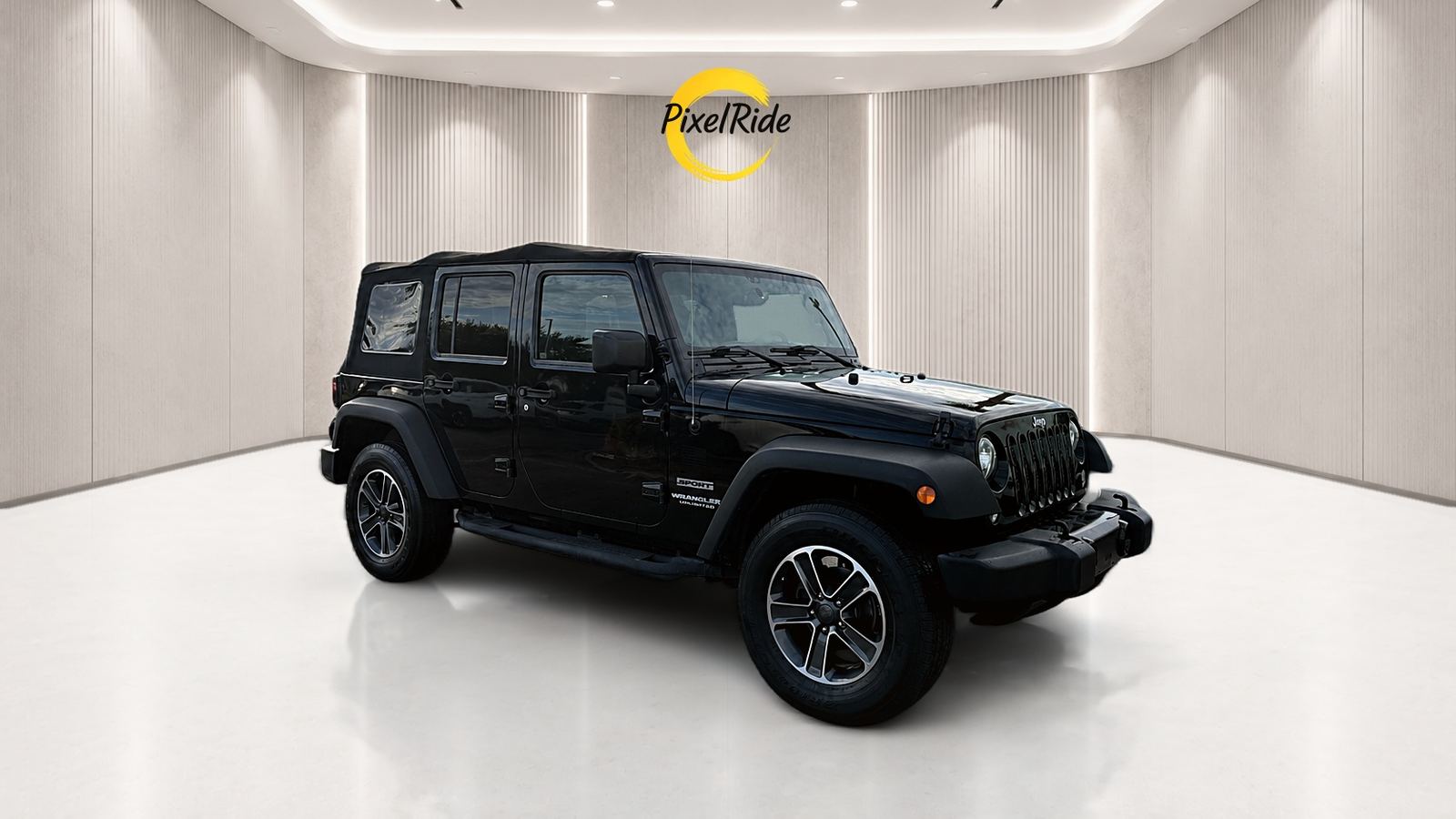
For most car listing galleries, 4:3 landscape is a sensible default. It gives a vehicle enough width without leaving as much empty space as a very wide image. But the best aspect ratio depends on where the photo will be seen: a website banner, an Instagram post and a Story all use different shapes.
Aspect ratio is simply the relationship between width and height. A 1600 x 1200 image and an 800 x 600 image are both 4:3, even though one contains more pixels.
Which ratio should you use?
| Aspect ratio | Common use | Why it works for cars |
|---|---|---|
| 4:3 | Listing galleries | Balanced landscape framing |
| 3:2 | Website cards and camera originals | Natural shape from many cameras |
| 16:9 | Banners and video thumbnails | Wide space for a side or three-quarter view |
| 1:1 | Square social posts | Consistent grid, but needs careful framing |
| 4:5 | Portrait social posts | Takes more room in a mobile feed |
| 9:16 | Stories and Reels | Full-screen vertical format |
Cars are wide subjects, so vertical formats are the hardest. A 9:16 version often works better with extra background above and below the vehicle than with a tight crop.
Crop or pad?
Crop when the vehicle still has comfortable space after the sides are trimmed. Cropping gives a clean, full-frame result, but anything outside the frame is lost.
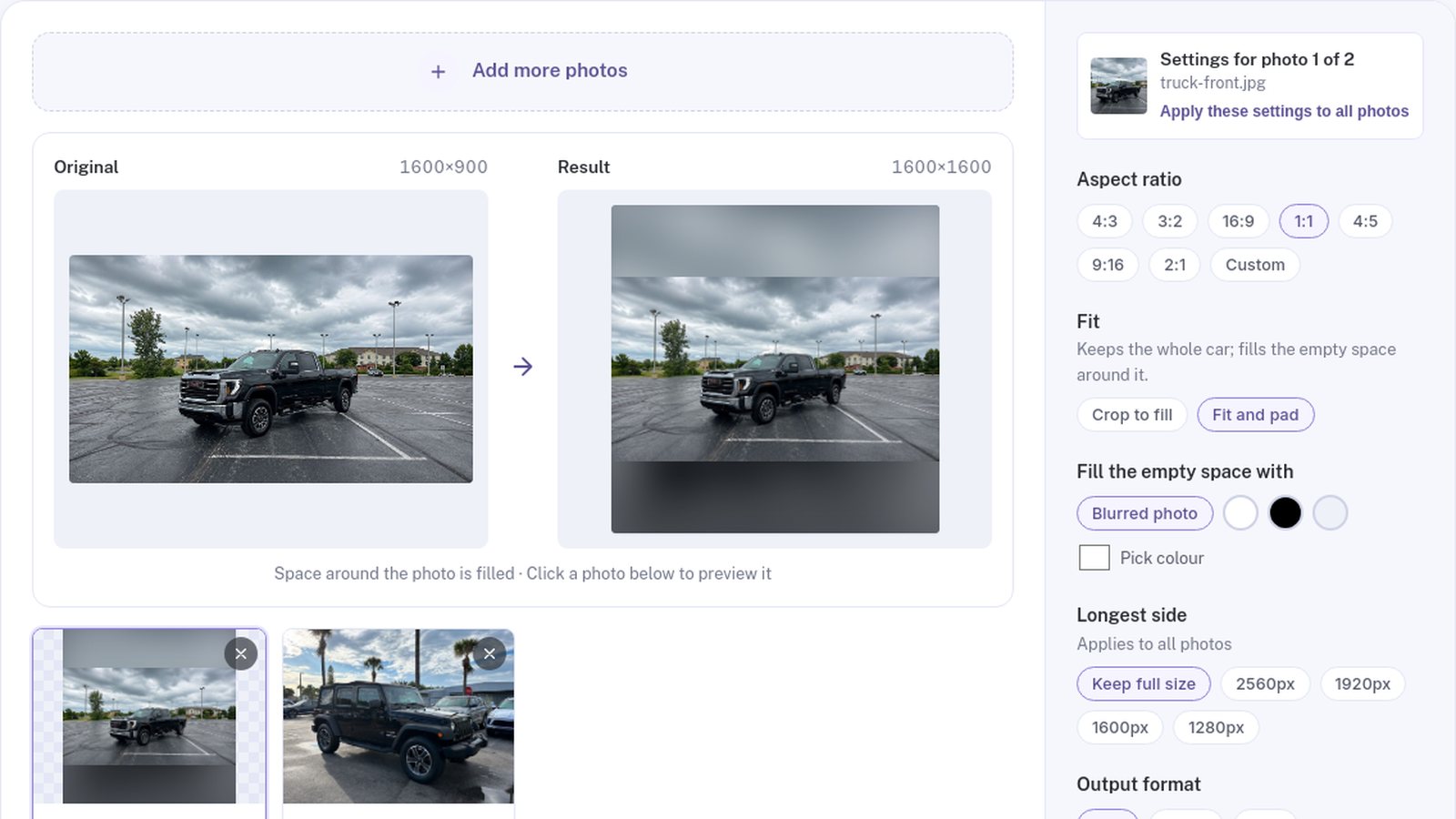
Pad when cropping would cut through the car. Padding keeps the entire image and fills the extra space with a color or a blurred copy of the photo. It is often the safer option for square and vertical posts.
Frame the vehicle for more than one ratio
The easiest way to get flexible images is to leave room when you shoot:
- Keep the entire vehicle in frame.
- Leave space beyond the bumpers and above the roof.
- Hold the camera level and avoid tilted horizons.
- Use a consistent camera height across the set.
- Move away from fences, walls and neighboring vehicles when possible.
That extra space gives you options later. A tight photo may look fine in one format and become impossible to crop in another.
How to convert a batch of car photos
- Add the photos to the free aspect ratio converter.
- Choose a ratio such as 4:3, 16:9, 1:1 or a custom shape.
- Select Crop to fill or Fit and pad.
- Preview each result. If a crop misses the car, adjust the crop box for that photo.
- Download one image or the full set as a ZIP.
Each photo can keep its own ratio and crop, which is useful when one set needs listing, social and website versions. Processing happens in your browser, so the images are not uploaded.
Check these details before publishing
Wheels and bumpers. Do not let the frame cut through them unless you are intentionally making a detail shot.
Position in the frame. The same vehicle should not jump noticeably between images in one gallery.
Empty space. Too much padding can make the car look small. Reduce it or choose a less extreme ratio.
Pixel size. A correct shape can still need resizing. Our guide to the best image size for car listings covers that step.
A consistent ratio makes inventory look organized. To make the backgrounds consistent too, try the PixelRide editor on a few vehicles.