Best Image Size for Car Listings: How to Prepare Photos for Every Channel
Choose the right image size for car listings, avoid bad crops and blurry uploads, and prepare one vehicle photo set for marketplaces, websites and social.
PixelRide · Nov 18, 2026 · 3 min read
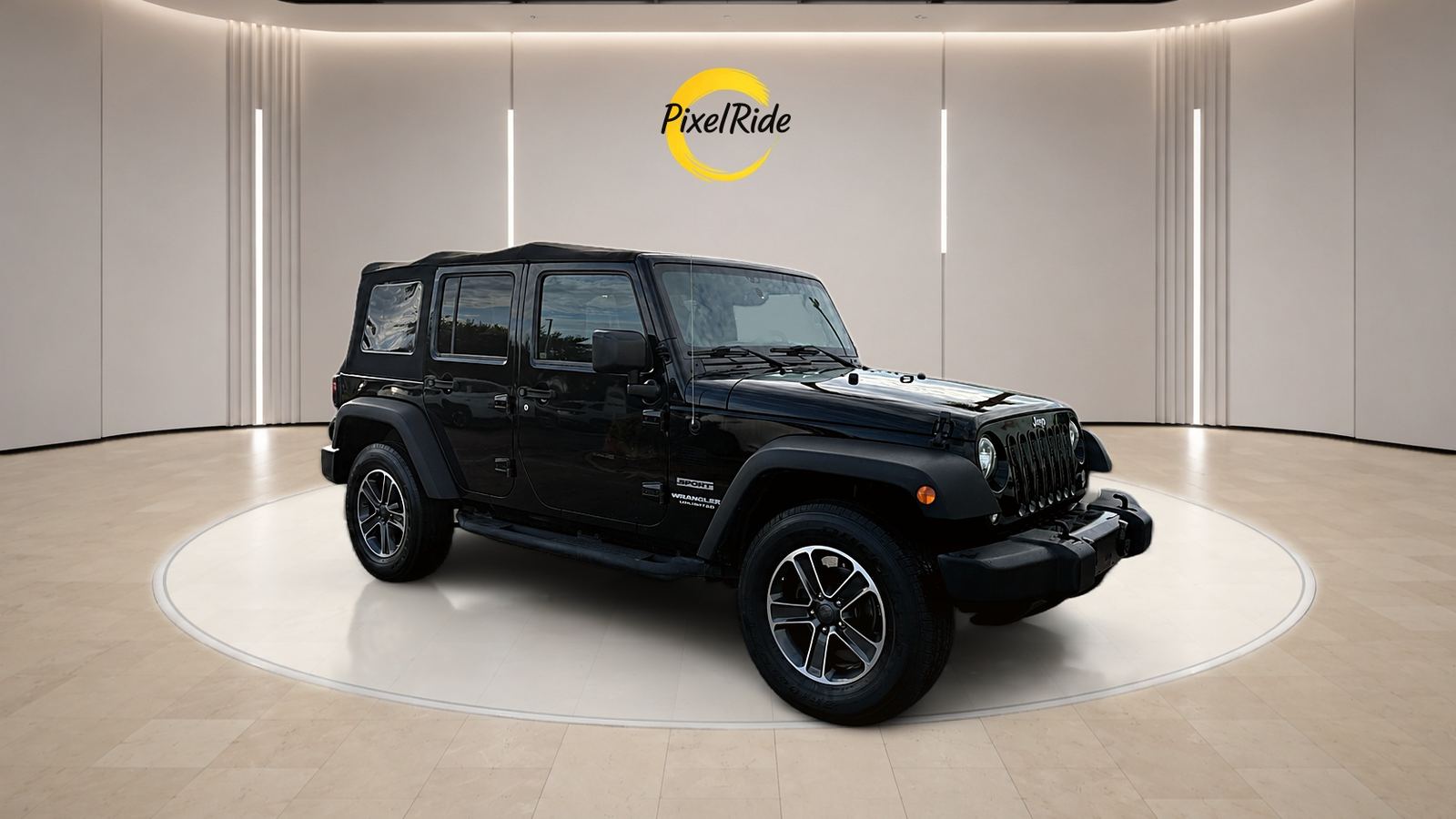
The best image size for a car listing is the one that matches where the photo will appear while keeping enough detail for buyers to zoom in. There is no single size for every marketplace, website and social channel, so the most reliable approach is to keep one high-quality original and create the versions each channel needs.
As a starting point, use a landscape 4:3 image around 1600 x 1200 pixels for listing galleries, then confirm the current requirements on each marketplace you use. Their rules can change, and they may differ by country or account type.
Pixel size, shape and file size are different things
Many upload problems come from mixing up three separate settings:
- Pixel size is the width and height, such as 1600 x 1200.
- Aspect ratio is the shape, such as 4:3 or 16:9.
- File size is how much storage the image uses, such as 500 KB.
A photo can have the right pixel size and still be rejected because the file is too large. It can also have the right file size but get cropped badly because its shape does not match the gallery. If you need to change the shape, read our guide to the best aspect ratio for car photos.
Useful starting sizes
Use this table as a planning guide, not as a replacement for a platform's latest requirements.
| Where the photo appears | Practical starting size | Shape |
|---|---|---|
| Marketplace or inventory gallery | 1600 x 1200 px | 4:3 |
| Website listing card | 1200 x 800 px | 3:2 |
| Website banner | 1920 x 1080 px | 16:9 |
| Square social post | 1080 x 1080 px | 1:1 |
| Portrait social post | 1080 x 1350 px | 4:5 |
| Story or Reel cover | 1080 x 1920 px | 9:16 |
| YouTube thumbnail | 1280 x 720 px | 16:9 |
How to resize a full vehicle set
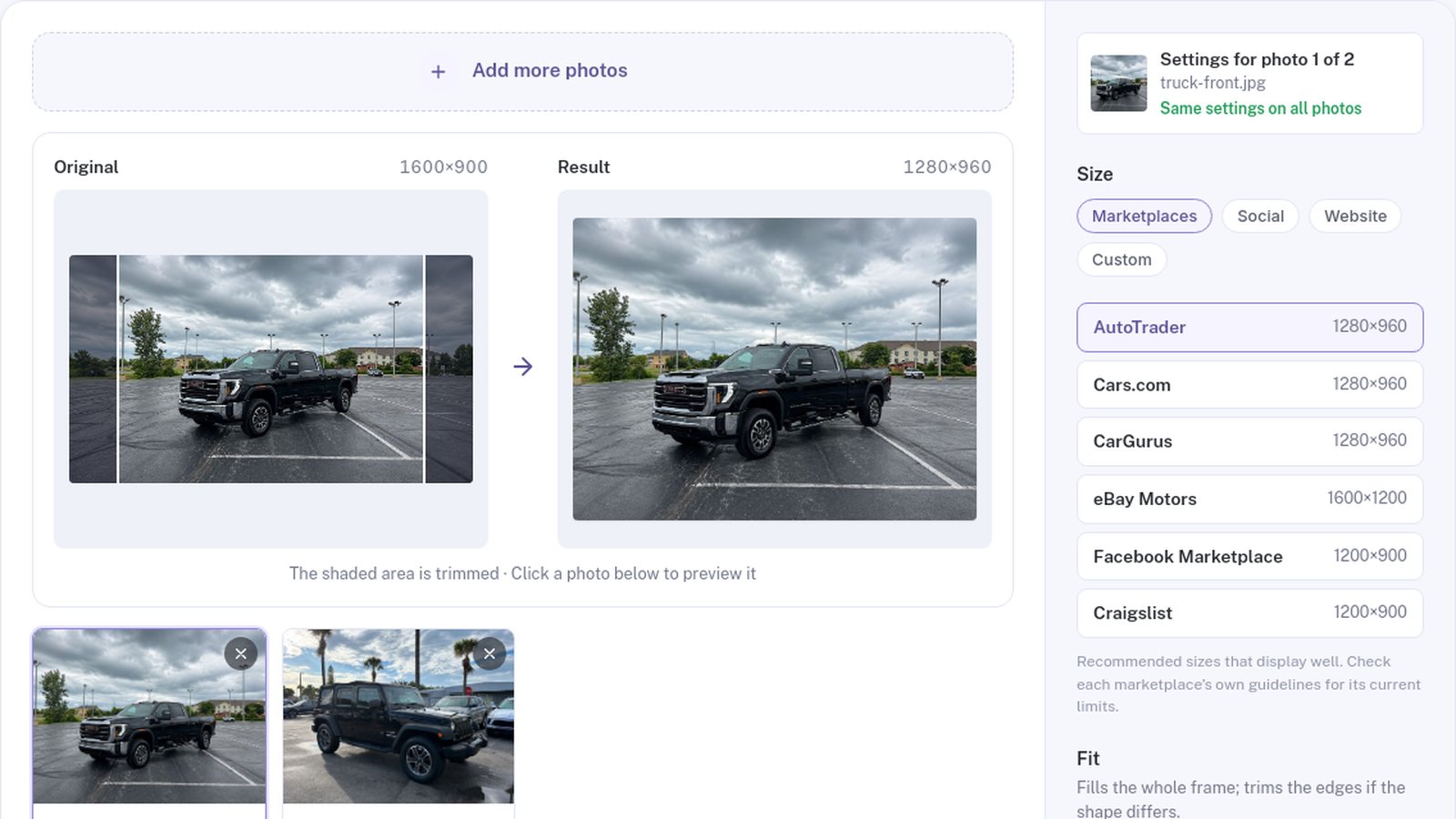
- Start with the originals. Avoid resizing screenshots or images downloaded from another listing.
- Choose the destination size. Pick one size for the whole set unless a particular photo has a different use.
- Check the framing. Make sure the crop does not remove the bumpers, wheels, mirrors or roof.
- Use padding when needed. If the car no longer fits, keep the whole vehicle and fill the extra space with a neutral color or a soft blur.
- Download the set. Keep the resized files separate from your originals.
PixelRide's free car photo resizer does this in your browser. You can add up to 30 photos, preview each crop, give individual photos different sizes and download everything as a ZIP. The photos are processed on your device and are not uploaded.
Mistakes that make listing photos look worse
Stretching the image. If the width and height change by different amounts without cropping or padding, the vehicle looks distorted.
Enlarging small photos. A 600-pixel image will not gain real detail at 1600 pixels. Go back to the original if you can.
Compressing too many times. Each repeated JPG save can reduce quality. Resize once from the original, then compress the final file only if an upload limit requires it.
Cropping every angle the same way without checking. A front three-quarter shot and a side profile may need different framing. Review the preview before downloading.
A simple file system for your team
Keep two folders for every vehicle: originals and published. Name exports with the stock number and destination, such as A1234-marketplace-01.jpg. When a channel changes its requirements, you can create a new version from the originals instead of working from an already reduced image.
Good sizing makes a listing look professional, but it cannot fix a distracting lot or inconsistent lighting. When you are ready to improve the photos themselves, PixelRide's editor can place your vehicles on consistent studio backgrounds.