Create Car Ads on WhatsApp, No App Needed
Turn car photos into finished, branded ads without installing an app or opening an editor. Send the photos to the PixelRide bot on WhatsApp, answer a few questions and get your ads back in the chat.
PixelRide · Nov 23, 2026 · 4 min read
Making a car ad usually means three tools: a camera app, an editor to clean up the photo, and a design app to add the price and contact details. For a busy dealer or someone selling one car, that is a lot of steps for a single post.
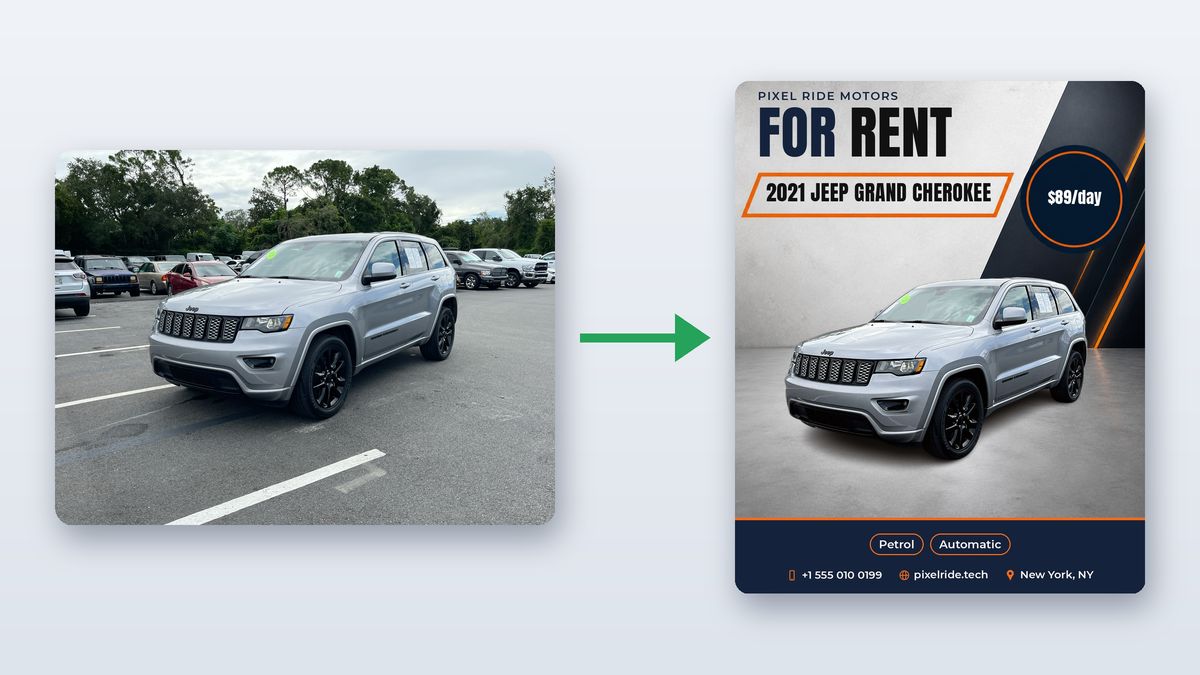
With PixelRide, all of it happens in WhatsApp, the app that is already on your phone. You send photos to our bot, answer a few quick questions, and finished ads come back in the same chat. The image at the top of this page shows the idea: an ordinary phone photo taken on a car park, and an ad made from it with one of the bot's designs.
Why WhatsApp?
- Nothing to install. No new app, no account form, no password. The bot sets up your account from your WhatsApp number.
- Your photos are already there. Take them with the WhatsApp camera, or pick them from your gallery.
- The ads arrive where you share them. Forward them to customers, post them to your status or send them to a group without downloading anything.
- Works on any phone. If it runs WhatsApp, it can make ads.
How it works, step by step
1. Start the chat
Open the chat with the PixelRide bot and say hi. You can also scan the QR code on our WhatsApp bot page from your phone. The bot replies with a short welcome and tips for the photos.
2. Send up to four photos of the car
Send one to four photos of the same car. Different angles work best: for example front corner, rear corner and side. Keep the whole car in the frame with some space around it, and avoid tilted shots.
When you have sent your photos, tap Pixel Ride to continue.
3. Answer a few quick questions
The bot asks what should go on the ad. Most questions have buttons or a list to tap, so there is little typing:
- Selling or renting
- Make and model
- Year
- Currency and price, or Price on call
- Mileage, in kilometres or miles
- Fuel type and transmission
- Your business name, phone number, website and city
Reply skip to anything you don't want on the ad. You can also tap Use this number for the phone number. The bot remembers your business details, so next time you can tap Use saved.
If you sent more than one photo, the bot also asks how many ad designs you want. Each design uses a different photo.
4. Check the summary
Before anything is created or charged, the bot shows a summary of what will appear on the ad and how many credits it uses. Tap Get started to create it, or Cancel to stop. Nothing is charged if you cancel.
5. Get your ads
A few minutes later, your ads arrive in the chat. Behind the scenes, PixelRide removes the background from each photo, places the car in a designed scene and lays out your details, so every ad is ready to post.
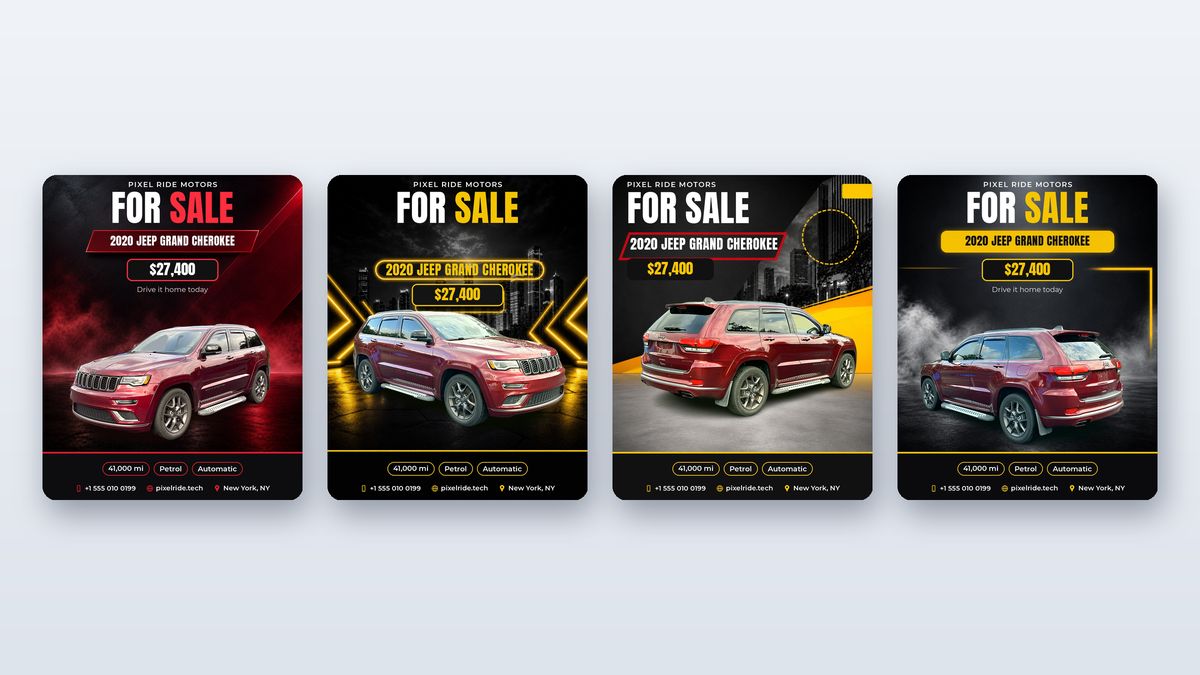
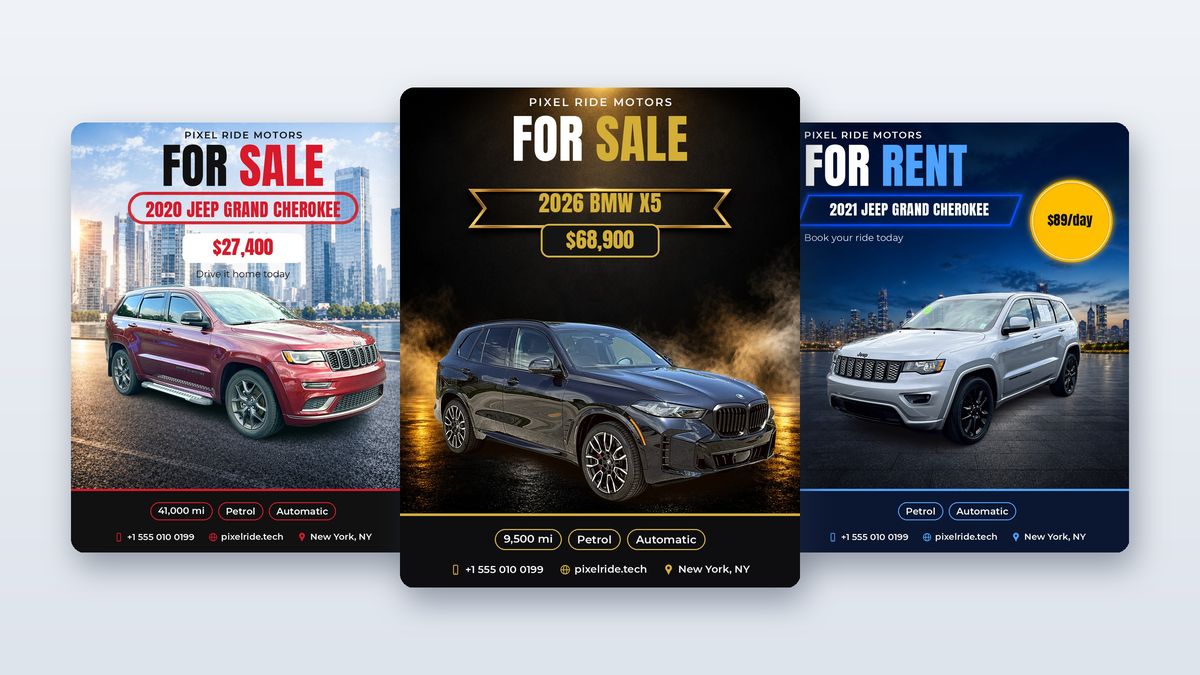
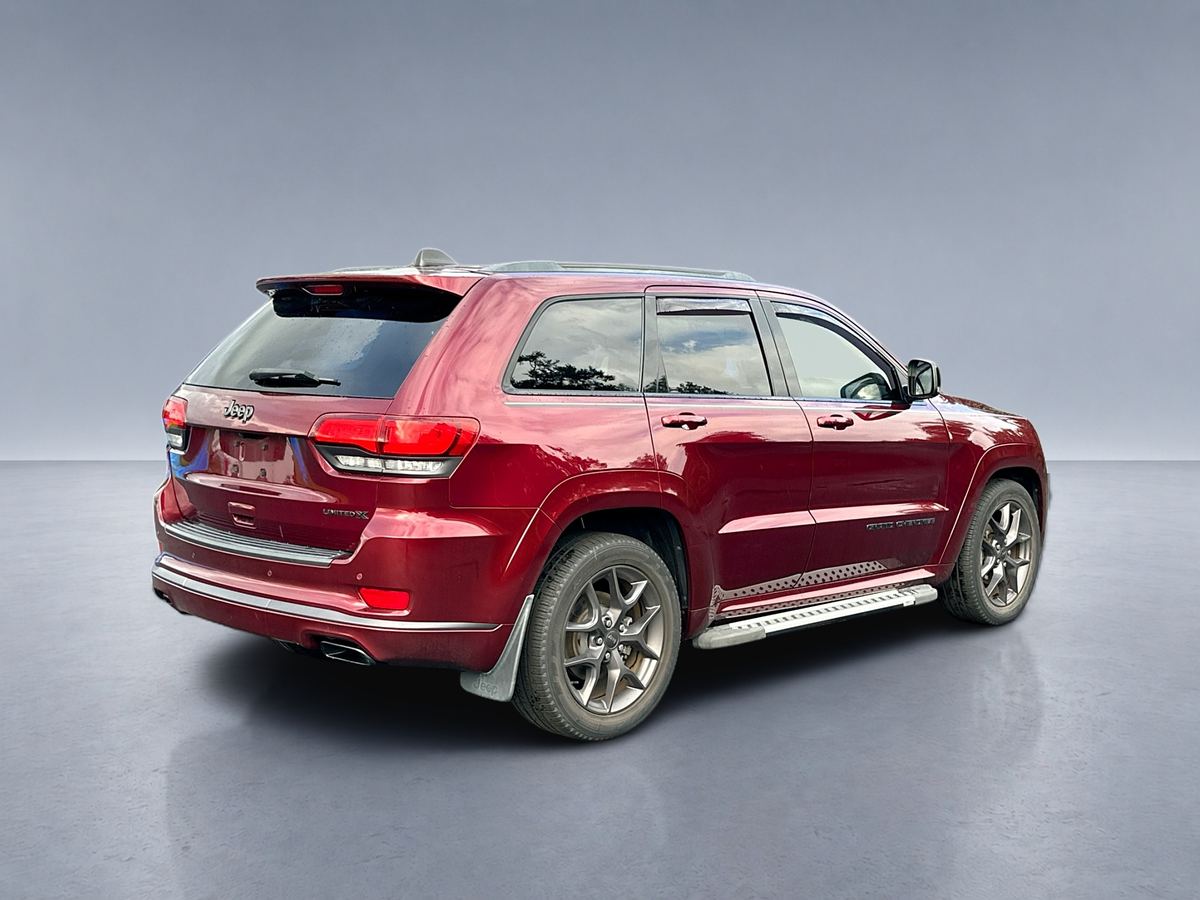
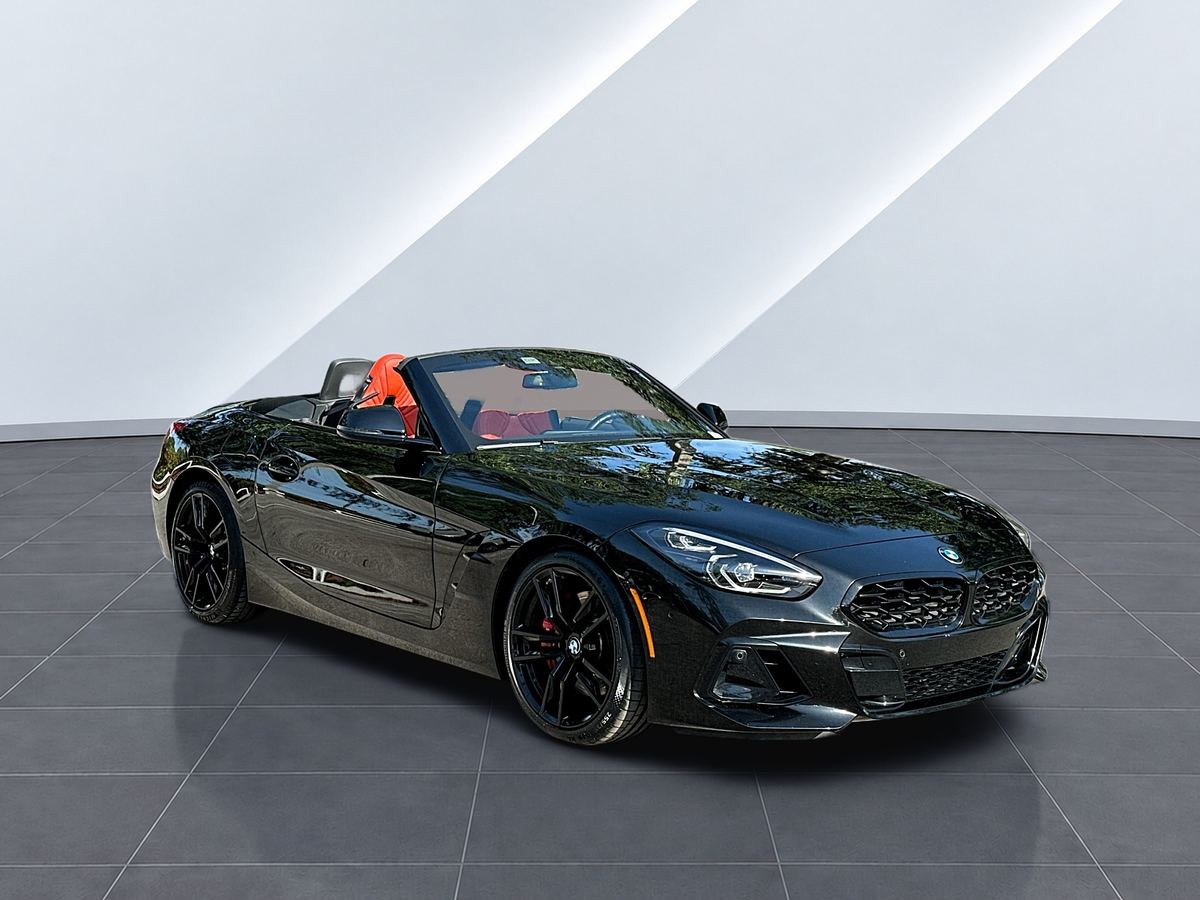
Four photos from four angles gave four different designs for this Jeep, all with the same price and contact details.
Tips for better results
- Photograph the whole car. If a bumper or wheel is cut off in the photo, it will be cut off in the ad.
- Leave space around the car. Step back rather than using the wide-angle lens, which bends the shape of the car.
- Use good light. Bright overcast days, mornings and late afternoons give even light without harsh reflections.
- Send exterior photos. The ads are built around outside views of the car.
- Clean the car first. The background is replaced, but the car is shown exactly as it is.
For more on taking the photos themselves, see how to take photos to sell your car.
Your ads and credits
When your ads are ready, the bot tells you how many credits you have left and sends a one-tap link to your PixelRide account. There you can see every ad you have made and buy more credits, already signed in. You can also type login or credits in the chat at any time to get a new link.
New accounts get free credits to try it. After that, each ad uses one credit, whether you choose one design or four, and there is no subscription.
When to use the web editor instead
The WhatsApp bot makes ads: one eye-catching image per design, ready to share. For a full set of listing photos, with the background replaced on every exterior and interior shot, number plates covered and your logo added, use the PixelRide web editor. Both use the same account and the same credits.
If you are new to flyers, our guide on how to make a car for sale flyer covers what makes one work.
Try it now
All you need is WhatsApp and a few photos of a car. Message the bot and your first ads are on us.